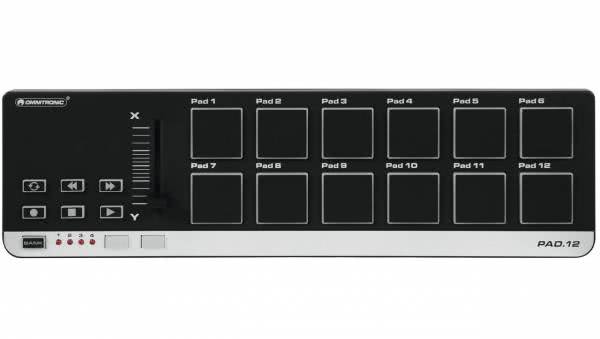
Pad/ Drum Controllers
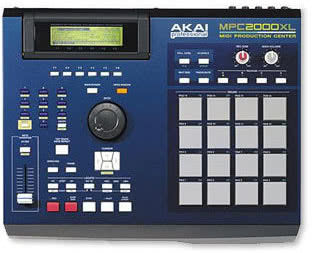
Pad controllers and drum controllers are highly adaptable tools in today’s digital music production. With them you can develop beats intuitively, play samples live or design complex rhythm patterns in the studio. You can work with velocity-sensitive pads that respond to every finger tap as well as precise step sequencers that give you programmatic control over your grooves. Whether you’re in the creative flow at your computer or performing live on stage, MIDI controllers of this kind offer you extensive creative freedom when bringing your musical ideas to life.
Table of Contents
- Discover the latest pad and drum controllers
- Versatility in the beat: the world of pad and drum controllers
- Differences between pad and drum controllers
- Use cases: studio, live, DJ setups
- Who it’s for: beginners to professionals
- Top brands in focus: from Roland to Akai
- Frequently asked questions about pad and drum controllers
- How do you choose the right pad or drum controller?
- What role do pad and drum controllers play in music production?
- How do you integrate pad and drum controllers into your setup?
- Your rhythm, your rules – shop pad and drum controllers now at recordcase.de
Average rating of 4.9 out of 5 stars
Average rating of 5 out of 5 stars
Discover the latest pad and drum controllers
Current models & innovations
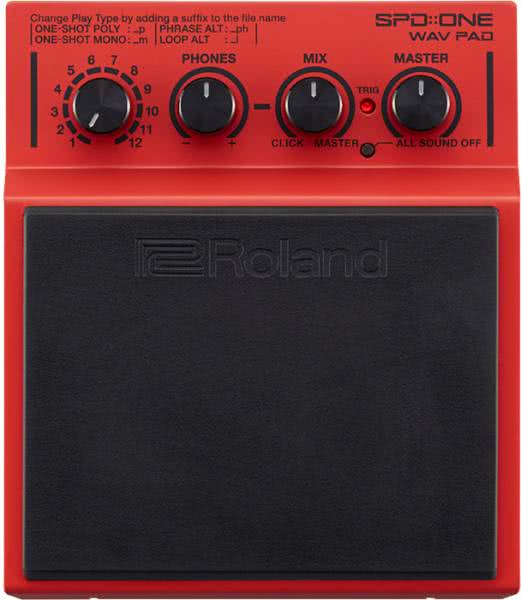
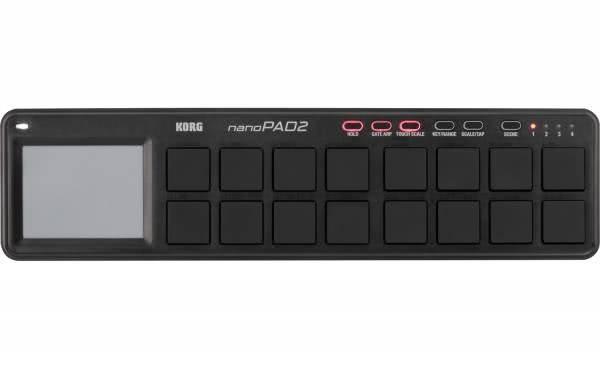
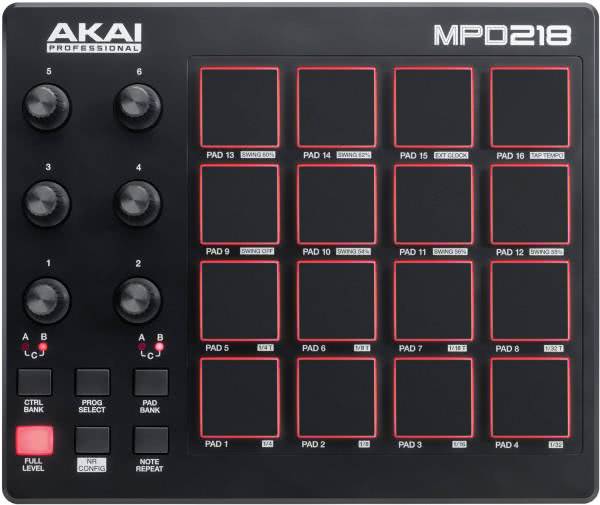
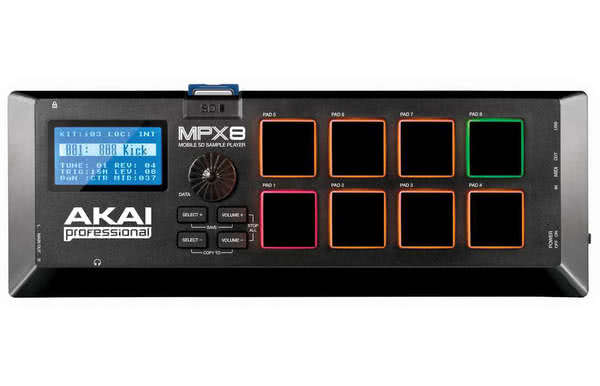
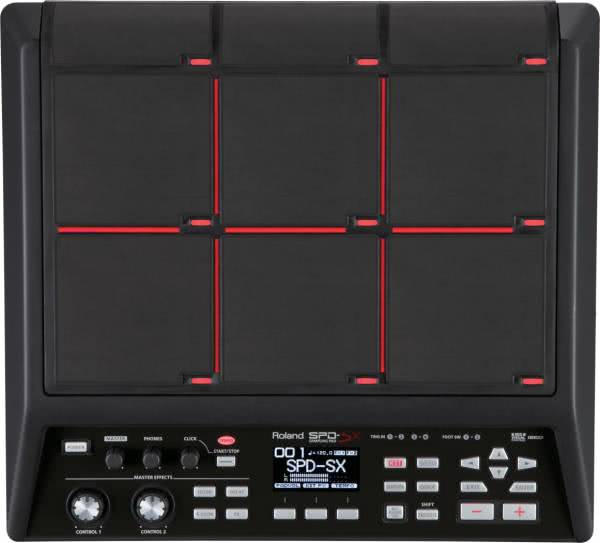
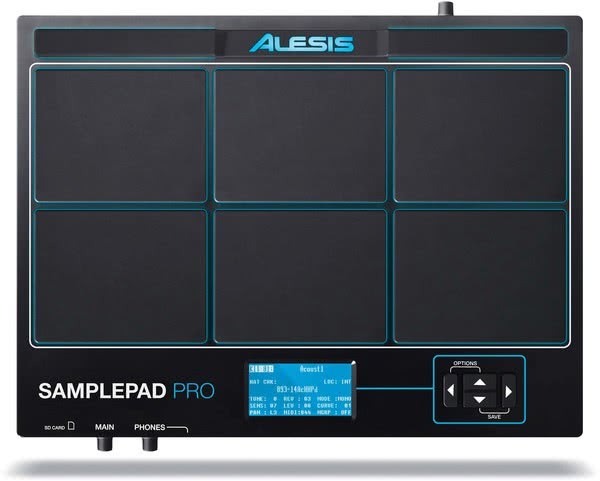
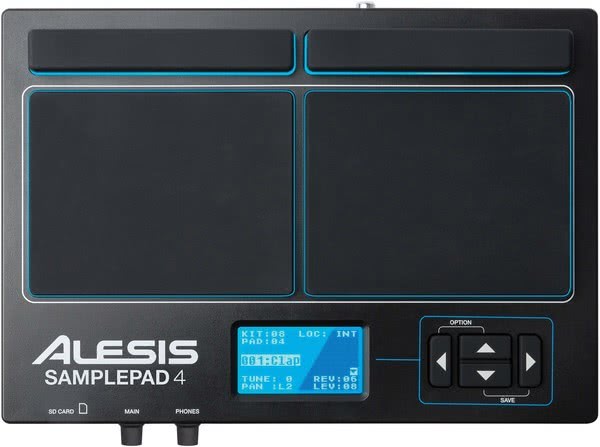
The market for pad controllers and drum controllers continues to evolve steadily and regularly introduces new high-performance devices. The current models not only feature improved hardware but also deeper integration with popular music software such as Ableton or MPC Beats. Whether you’re looking for a compact model for on the go or a professional setup for studio and live performance – you’ll find options to meet almost every need. Many devices combine classic operating concepts with modern features like RGB-lit pads, intuitive displays and comprehensive control options via USB or MIDI. Here’s an overview of some popular models available today:
Compatibility and connectivity
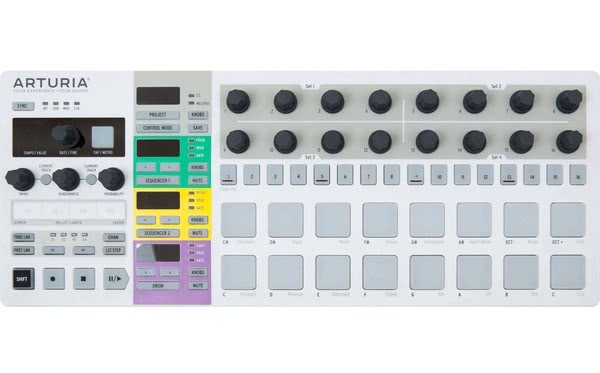
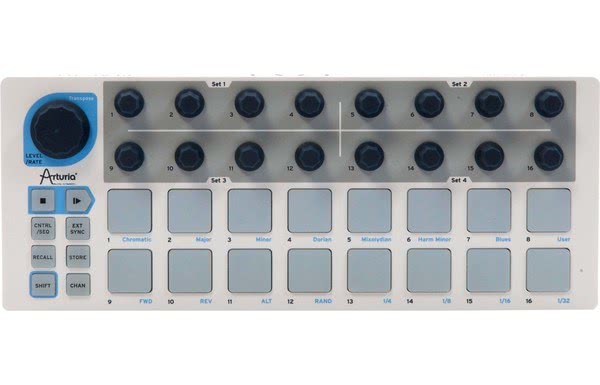
Almost all modern pad controllers and drum controllers operate over USB and run reliably on both Windows and macOS. Installation is usually driver-free or uses easily available tools, making setup especially user-friendly. Many models also include classic MIDI In and Out ports, allowing seamless integration into existing studio or live setups. Versatile controllers like the Arturia BeatStep PRO even provide CV/Gate outputs to control analog synthesizers directly. This range of connectivity makes it easy to build a customized and scalable music setup that fits your workflow.
Versatility in the beat: the world of pad and drum controllers
Differences between pad and drum controllers
Pad controllers and drum controllers differ fundamentally in design, functionality and use cases. Both offer distinct advantages depending on how you work in music production or performance.
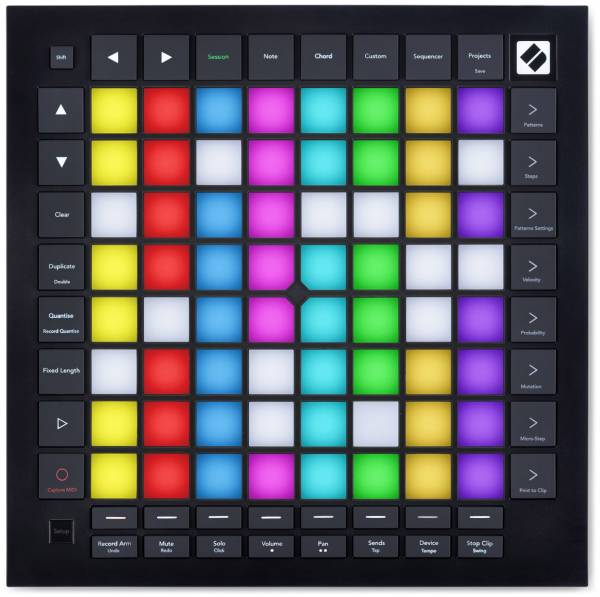
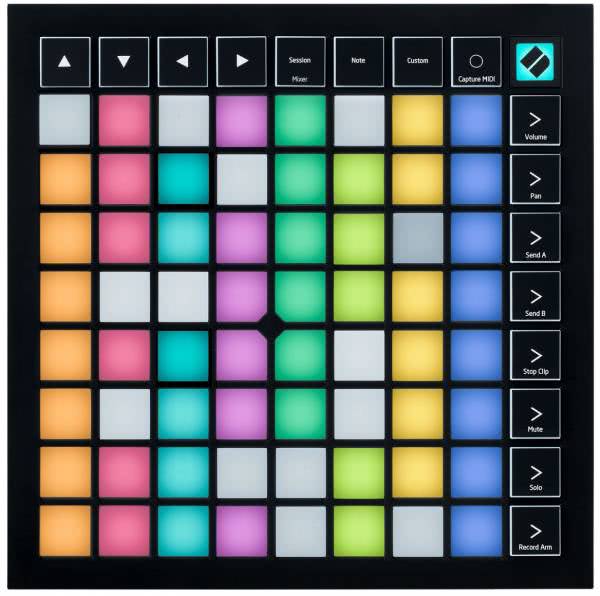
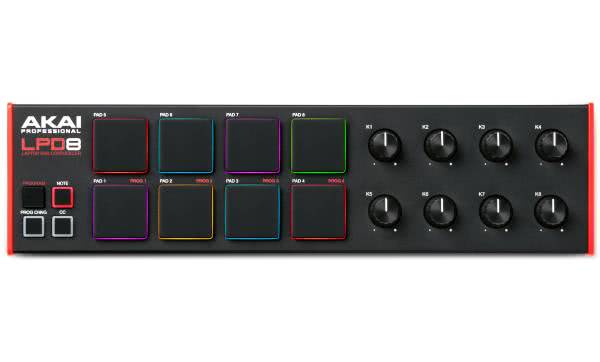
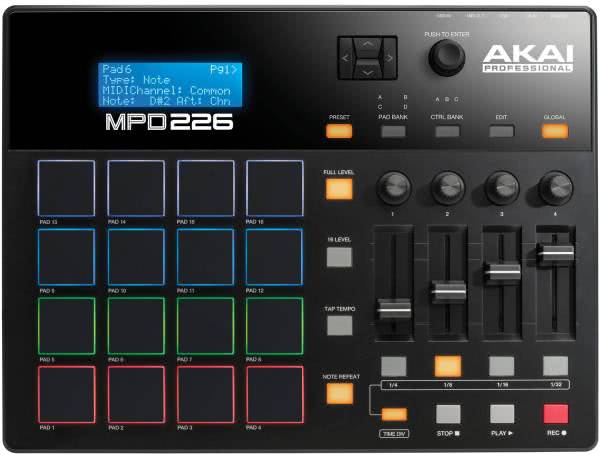
- Pad controllers are often used in electronic music. They feature a matrix of velocity-sensitive pads that are ideal for triggering clips, playing samples or controlling software functions. Especially when paired with programs like Ableton Live, these controllers provide a visual and intuitive workflow valued in live performances. They are lightweight, compact and integrate easily into existing MIDI setups.
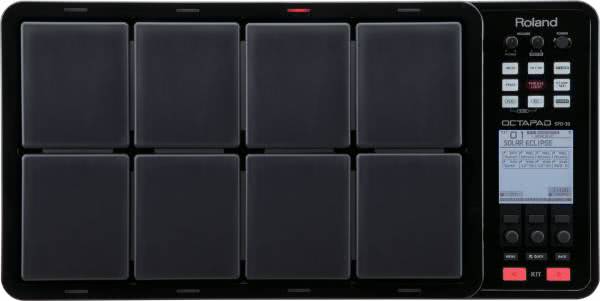
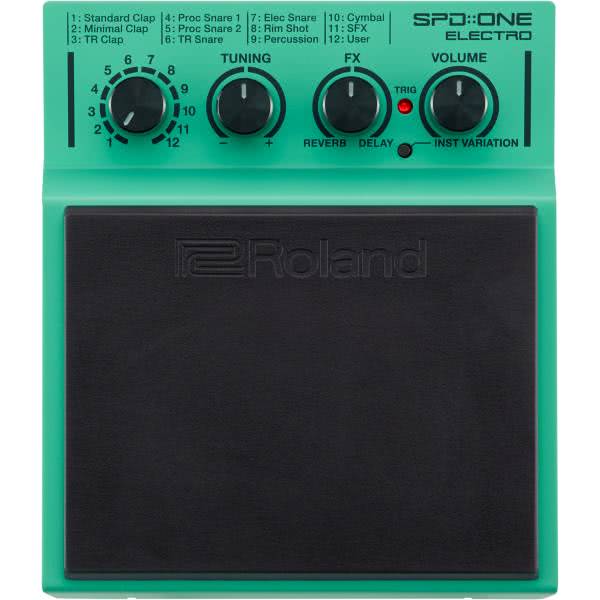
- Drum controllers focus more on manual playing of drum sounds and programming rhythmic patterns. Many models include built-in sample engines, dedicated audio outputs and a sturdy chassis designed for live use. They suit drummers, live musicians or producers who prefer a tactile and direct approach to beat creation.
Use cases: studio, live, DJ setups
Pad controllers and drum controllers can be used in almost every musical context. They offer producers, DJs and live musicians flexible control options and creative freedom.
- Studio: In music production they serve as central tools for shaping drum sounds, composing grooves or arranging melodies rhythmically. The pads allow a natural playing feel and let you capture ideas without relying on mouse and keyboard.
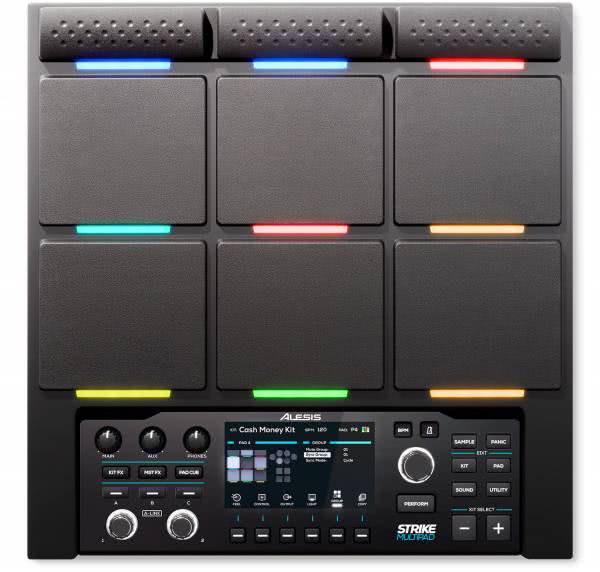
- Live performance: On stage these controllers stand out with direct control. You can trigger samples, loops and effects in real time, enabling a dynamic and spontaneous show. RGB-lit pads also provide visual feedback to help you stay oriented during a performance.
- DJ setups: In DJ contexts they extend classic mixing with creative elements like custom beats or sound effects. Loading clips, personal drum samples or one-shots allows you to craft a unique set and add expression to your performance.
Who it’s for: beginners to professionals
Whether you’re just starting in music production or already working as an experienced producer – the range of pad controllers and drum controllers includes devices suited to every skill level.
Beginners benefit from intuitive interfaces, clear functions and preconfigured presets that help you get started quickly. Advanced users and professionals turn to models with extensive control functions, high velocity sensitivity of the pads and versatile connectivity options.
Key selection criteria:

- Number and quality of pads (e.g., velocity-sensitive, aftertouch-capable)
- Connectivity options (USB, MIDI, CV/Gate)
- Compatibility with your preferred music software (e.g., Ableton, MPC Beats)
- Portability, power supply (e.g., battery-powered) and build quality
Thanks to the wide range of models you can find the right addition for any setup, whether it’s a home studio, rehearsal room or stage.
Top brands in focus: from Roland to Akai
Overview
The world of pad controllers and drum controllers offers a broad selection of devices that vary in design, feature set and application. There are well-thought-out solutions for studio, stage or mobile setups. Many models feature velocity-sensitive pads, flexible connectivity options (e.g., USB, MIDI) and direct compatibility with popular music software.
Whether you want to perform, produce or capture spontaneous ideas on the go – controllers with built-in sample players, step sequencers or pad matrices provide a creative foundation to streamline your workflow. Brands like Akai, Roland, Arturia, Novation and Native Instruments cover various needs and deliver controllers suitable for both beginners and professionals.
What brand controllers offer in practice
Brands such as Roland, Akai, Arturia and Native Instruments are known for quality, durability and a clear focus on the needs of producers and live performers. Their controllers stand out with well-designed features, robust build and tight integration with popular music software.
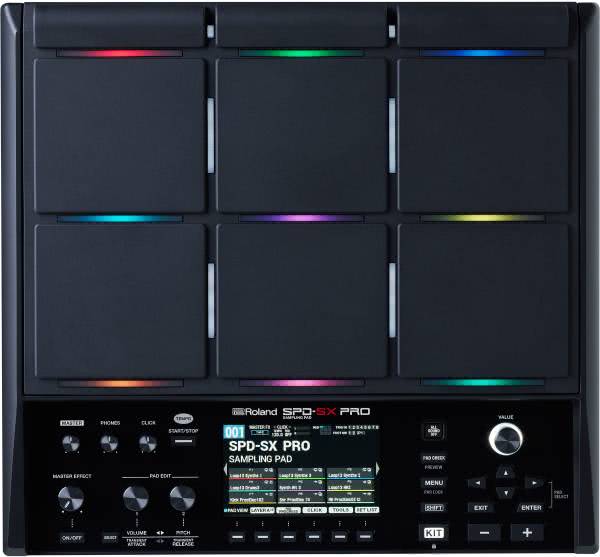
- Roland: The SPD-SX PRO is established in live use. With its robust chassis, high-resolution pads and multiple audio inputs and outputs, it’s the go-to tool for performers seeking reliability on stage.
- Native Instruments: The Maschine MK3 combines hardware and software into a powerful production environment. It offers an intuitive workflow, colored pads and two displays for detailed DAW control.
- Arturia: The BeatStep PRO appeals to producers working in hybrid setups. In addition to MIDI it provides CV/Gate outputs for directly controlling analog synths.
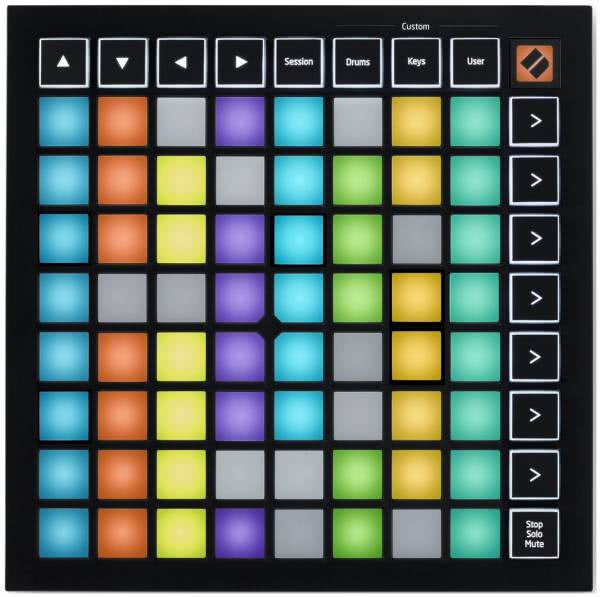
- Novation: Especially Ableton users appreciate the Launchpad system. The devices offer instant clip control, visual feedback via RGB lighting and suit both performance and studio work.
![]() | ![]() | ![]() | ![]() | ![]() | |
| Product | Novation Launchpad Mini MK3 | Akai MPX8 | Arturia BeatStep PRO | Native Instruments Maschine MK3 | Roland SPD-SX PRO |
| Highlights | High-resolution display, touch-sensitive encoder | Step sequencer, CV/Gate, extensive pattern handling | RGB pads, compact, ideal for clip launch | Sample triggering via SD card, compact | Durable live tool, multiple outputs, large display |
| Price | €109 | €109 | €259 | €599 | €1259 |
| Connectivity | USB, MIDI In/Out | USB, MIDI Out | USB, MIDI, CV/Gate | USB | USB, MIDI, audio In/Out |
| DAW support | Ableton Live | MPC Essentials, compatible with various DAWs | Arturia MIDI Control Center, Ableton | Native Instruments, Ableton Live | Roland Wave Manager |
| Dimensions | 180 x 180 x 14 mm | 295 x 102 x 33 mm | 324 x 127 x 16 mm | 320 x 301 x 41 mm | 360 x 330 x 93 mm |
| Use case | Live, DJ setups | Mobile, live, DJ | Studio, hybrid setups | Studio, live performance | Live performance, drum setups |
Frequently Asked Questions about Pad and Drum Controllers
How do you choose the right pad or drum controller?
Choosing the right controller depends heavily on your personal workflow, your music style and your technical requirements. There are several key criteria to help you find the right model:
- Compatibility with your preferred DAW such as Ableton Live or FL Studio is essential, since not every controller works natively with every software.
- The number and quality of the pads play an important role, especially if you perform live or do a lot of fingerdrumming. Pay attention to velocity sensitivity and, if available, aftertouch.
- Consider whether you need a mobile device for on the go or a desktop model for your home studio. Mobility can be crucial for live gigs.
- Your budget should match the intended use. Entry-level models are often enough for beginners, while professionals benefit from advanced features and robust build quality.
Looking at connectivity options (e.g., USB, MIDI, CV/Gate) also helps integrate the controller into your existing setup.
What role do pad and drum controllers play in music production?
Pad controllers and drum controllers play a central role in modern music production. They allow you to translate musical ideas quickly and intuitively without relying on a mouse and keyboard. They are indispensable in beat production: you can play grooves directly with your fingers, trigger samples precisely or program complex rhythmic structures. In the arrangement process, they ensure a fluid workflow, as they often come with macro functions for transport, quantization or track navigation. Direct interaction with the music supports your creative workflow and makes production more efficient and inspiring.
How do you integrate pad and drum controllers into your setup?
Integrating a pad controller or drum controller into your music setup is straightforward and opens up many creative possibilities. In a few steps, you can connect the device to your hardware and software environment and configure it to your needs:
- Via USB or MIDI cable you connect the controller to your computer, audio interface or a synthesizer. Many devices are recognized automatically.
- In your preferred DAW (e.g. Ableton Live, Logic Pro, FL Studio) you can select the controller as an input device, load presets or set up a custom MIDI mapping.
- Assign specific functions to individual pads, knobs or faders: for example, trigger samples, launch scenes, control effects or mute tracks. This way your setup is optimally tailored to your workflow.
- Save your configuration as a preset – this is especially practical when you switch between studio and live environments or manage multiple projects in parallel.
Through this flexible integration you can use controllers efficiently and adapt them to your personal workflow and expand them at any time.
Your rhythm, your rules – buy pad and drum controllers now at recordcase.de
Start your music production now with the right equipment and move your beats forward. At recordcase.de you’ll find a wide selection of pad controllers and drum controllers, suitable for both beginners and professionals. Whether you need a compact device for on the go or a comprehensive solution for your studio, you’ll find it here.
With detailed product information, fast delivery and a knowledgeable support team, your purchase will be a well-organized experience. Find the controller that fits your workflow and supports your creativity.


Novation
Akai
Arturia
Native Instruments
Roland