Average rating of 4.9 out of 5 stars
Average rating of 4.7 out of 5 stars
Average rating of 4.8 out of 5 stars
Average rating of 5 out of 5 stars
Average rating of 4.9 out of 5 stars
Average rating of 5 out of 5 stars
Average rating of 4.5 out of 5 stars
Average rating of 4.2 out of 5 stars
Average rating of 5 out of 5 stars
Average rating of 3.5 out of 5 stars
Average rating of 4.6 out of 5 stars
Average rating of 4.8 out of 5 stars
Average rating of 5 out of 5 stars
Average rating of 4.9 out of 5 stars
Average rating of 5 out of 5 stars
Average rating of 4.5 out of 5 stars
Average rating of 5 out of 5 stars
Average rating of 4.8 out of 5 stars
DJ Controllers

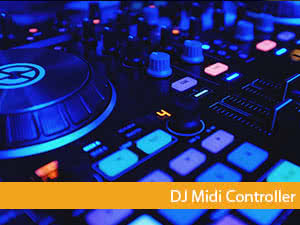
If you want to start DJ, you're unlikely to get by without a suitable DJ Controller. The selection is vast and by now quite bewildering.
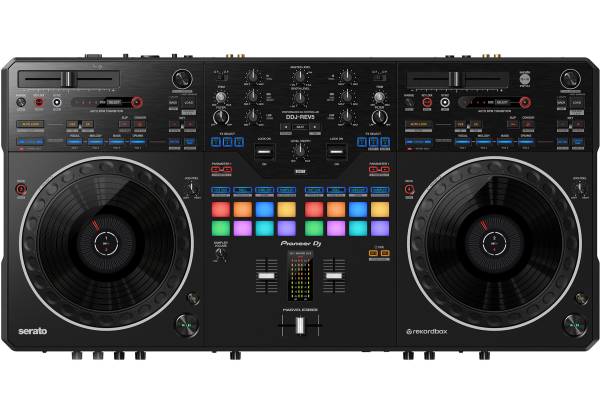
In the last ten years, DJ Controllers have evolved massively. Originally, DJ controllers were simple MIDI devices that required additional hardware and software to mix properly. Most controllers today are tailored to the included software and only function correctly with it; the layout is perfectly matched to the software (such as Serato).
On this page, you'll find all controllers from well-known brands like Pioneer, Native Instruments, or Roland.
What Do I Need a DJ Controller For?
To put it simply, to DJ. Of course, it's not as simple as just saying it. DJ Controllers are suitable for and consciously used for the following applications and groups:
Beginner Controllers
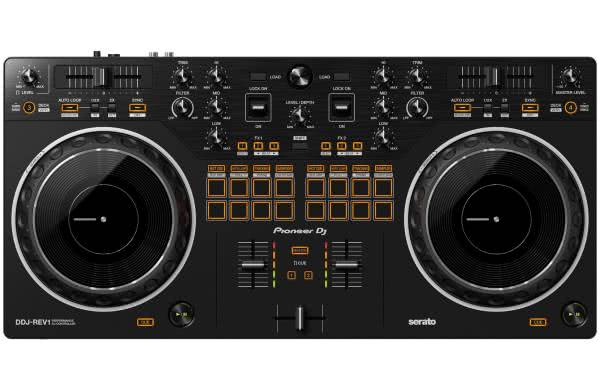
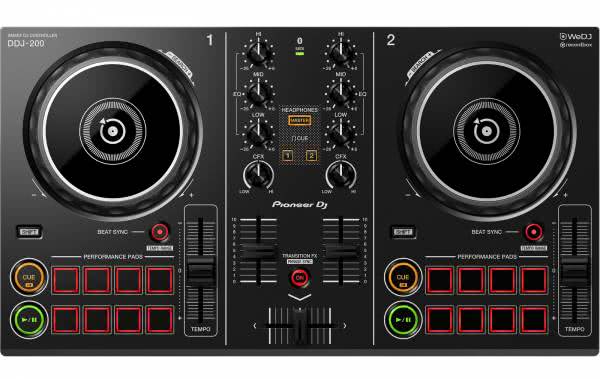
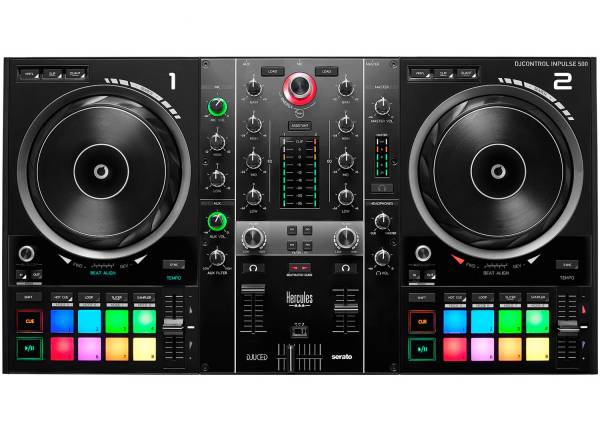
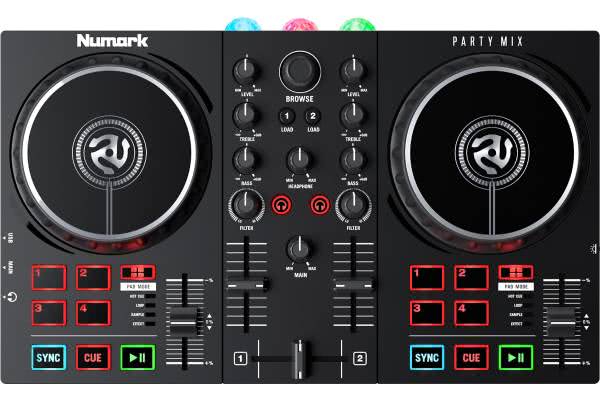
Anyone starting out or wanting to begin DJing can find an affordable way to get started with a beginner controller. A controller doesn't cost much, and for around 150 euros, you can already get a basic model. Cheaper models usually only have 2 channels and 2 decks and don't have an integrated sound card.
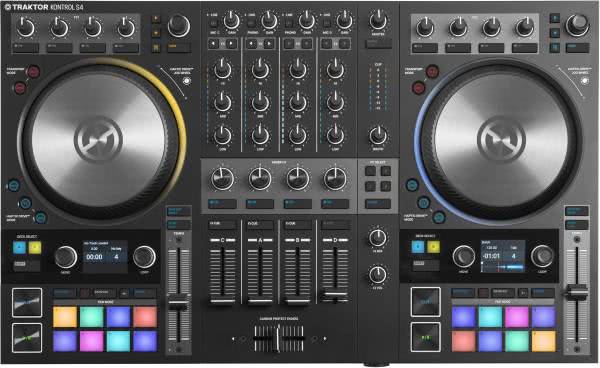
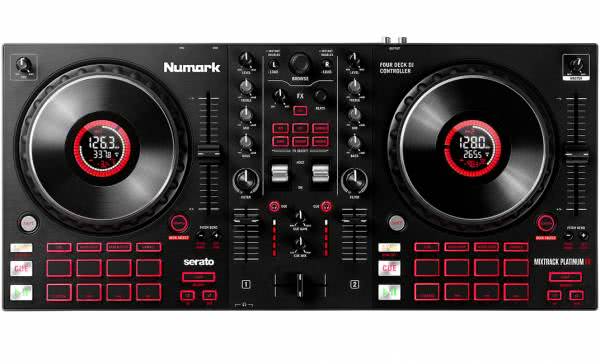
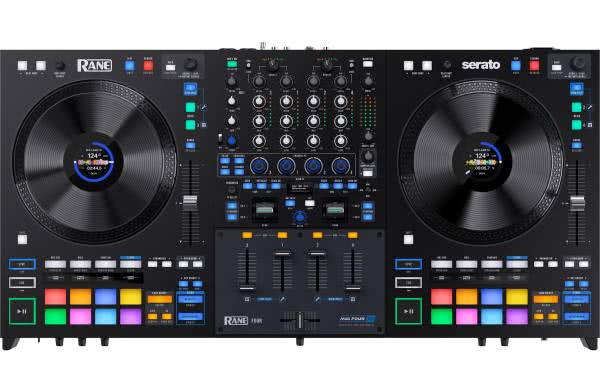
More professional setups, on the other hand, often come with full software versions, feature a mixer unit with 4 channels, 4 or more decks, an integrated sound card (also known as an audio interface), various effects, pads/controls for triggering tracks, samples, loops, or other elements, and even the Jog-Wheels (also spelled as Jogwheels, simulating the turntables of a record player) are of higher quality and often come with an integrated display. These often considerably more expensive MIDI controllers also have a range of connections that beginners in a home setting don't need but are extremely important in clubs or at large events to connect to the large PA systems.
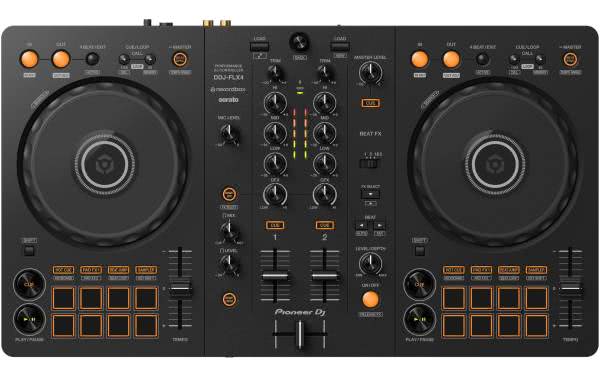
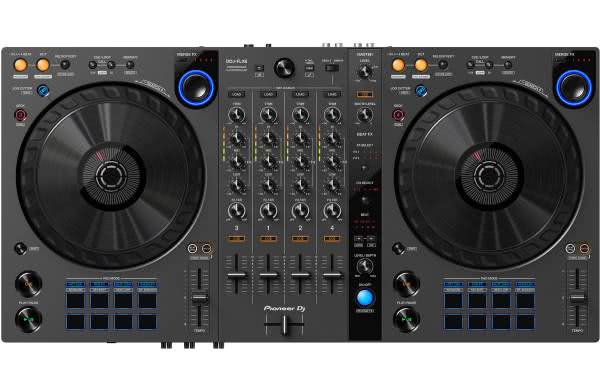
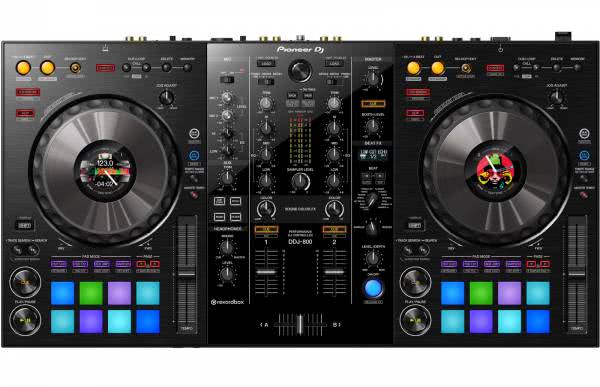
Many controllers can boast professional features and functions. In the price range starting from around 250 euros, you can already purchase a very useful controller such as the Roland DJ-202 or the Pioneer DDJ-FLX4, which are not only ideal for beginners but are also suitable for advanced users.
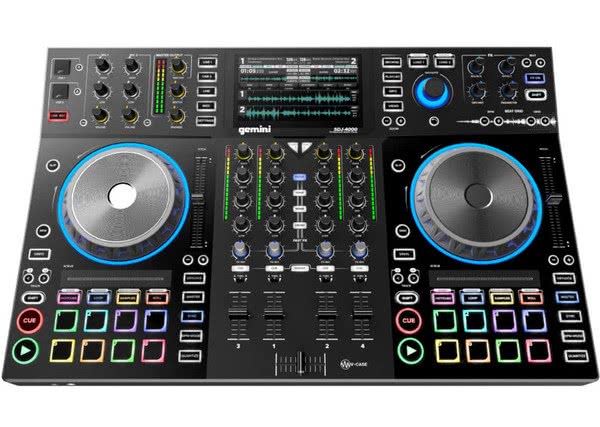
The setup is usually Plug and Play, and DJ software is generally already included. Depending on the device, this is usually the beginner versions of Rekordbox, Serato, Traktor-Kontrol, or Virtual DJ. In the lower-priced entry-level range, there is often also a version of DJay or WeDJ. This way, everyone can decide whether they enjoy DJing without having to spend a fortune on a professional setup. Pretty good and affordable products are available, among others, from Numark, Hercules, or Gemini, but usually without an integrated sound card and with a simple mixer unit.
Digital Switchers
Controllers are also favored by switchers who are transitioning from analog systems - that is, two turntables and a mixer - to the digital realm of DJing. Here, too, a controller offers many advantages over standalone hardware, which is particularly noticeable in the price-performance ratio. With a controller, one can DJ very affordably completely digitally. If someone is coming from an analog setup, they can also get a taste of the digital world very inexpensively and, if necessary, switch back to their analog setup if they find the digital controllers unsuitable.
Professionals
Yes. Even for professional DJs, a DJ controller can be appealing. Although live DJing at a certain event size is frowned upon or even inconceivable, a controller can be used in a home setup or on the go, emulating, for example, the NXS layout. This is referred to as the club standard when referring to two players and a mixer of the Pioneer NXS series, which are essentially found in all major clubs and festivals.
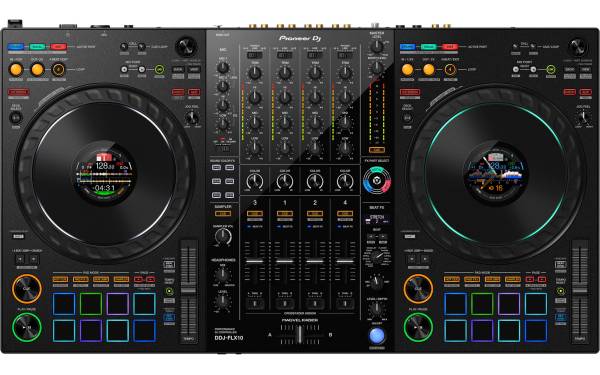
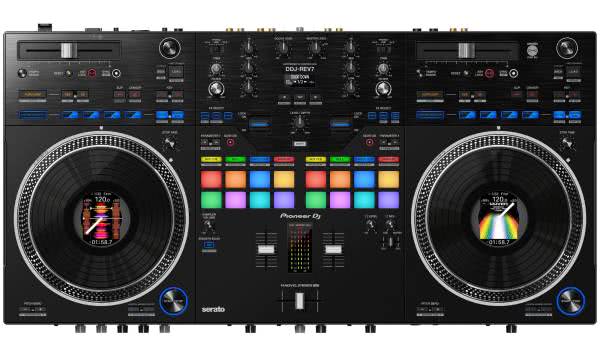
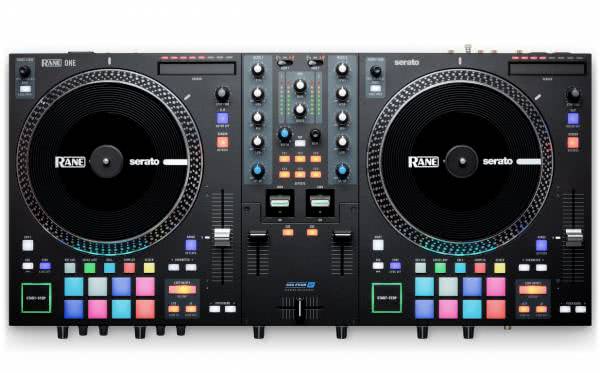
These highly professional NXS series devices are naturally very powerful and also very expensive. Not every DJ can or wants to spend so much money to set up this high-priced setup at home. And here's where the controller comes in. It emulates the layout and functions of the bigger siblings and costs only a fraction of an NXS setup. Any DJ who wants to work with an NXS setup will find an economical alternative in a controller like the Pioneer DDJ-FLX10. Leading brands like Pioneer, AlphaTheta, Rane, or Denon now offer a variety of professional machines with integrated sound card (audio interface), 4 channels, up to 8 decks, a variety of pads, and other very practical controls that can be fun and important for a perfect performance.
Which Manufacturers Are Recommended?
To begin with, the segment is clearly dominated by Pioneer DJ. Whether it's with the Pioneer DDJ or the Pioneer XDJ series. Anyone wanting to do electronic DJing will find their suitable model in the Pioneer portfolio, whether they are a beginner or a seasoned professional.
If you want to learn more about the Pioneer DDJ series, we recommend the DDJ controller comparison on our DJ blog.
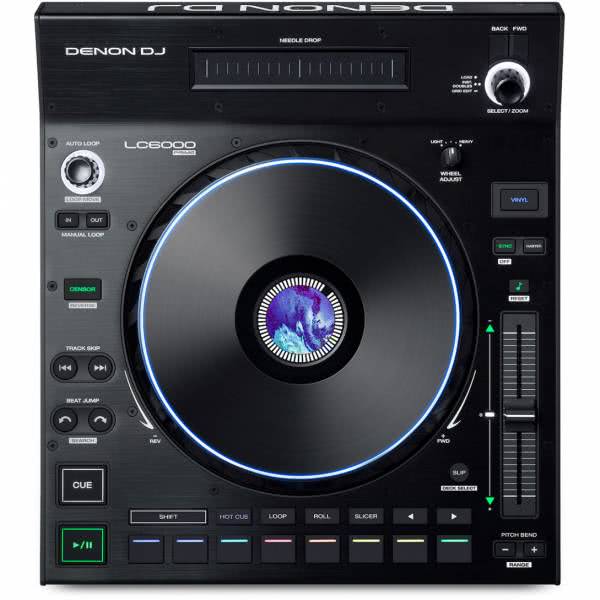
However, there are also alternatives - and good ones. For instance, Denon stands out as a manufacturer that delivers high-quality controllers. Similarly, Native Instruments offers its own microcosm for Traktor with well-thought-out features and constantly new innovations.
Roland controllers are recommended when it comes to good integration with Serato DJ. They come well-built and often offer features that the competition doesn't offer, such as an integrated step sequencer with light programming or a drum sampler.
Software in Conjunction
In the digital age, choosing the appropriate software (such as Rekordbox, Serato, Traktor, Virtual DJ) is more important than ever - and here begins the complexity, as DJ controllers now work closely with specific DJ programs.
So when purchasing a controller, it's not only about considering the layout and features of the controller in advance, but also which software it works with.
All current controllers are usually heavily oriented towards one of these programs. Integration can often be identified through dedicated buttons and layouts on the controllers themselves. Particularly, Native Instruments controllers with Traktor Kontrol are tightly intertwined with Native Instruments' Traktor software. Most Pioneer DJ DDJ controllers are designed to perform with Recordbox and often come with a full version included in the package.
The most widespread controller-software combinations currently are:
- Serato DJ Controllers
- Rekordbox DJ Controllers
- Traktor DJ Controllers
All controllers also work with the MIDI protocol and often come with a configuration tool so that all buttons, knobs, and sliders can be assigned to your own DJ software. Sometimes there are already complete mappings for other DJ software, so you just load the assignments into the software, and the controller is ready to use with the third-party software.
Do I always need a computer for a DJ controller?
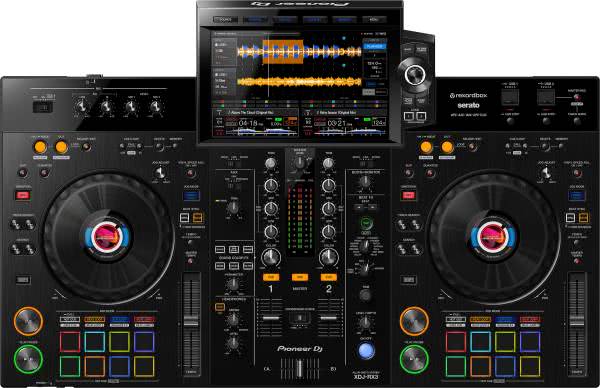
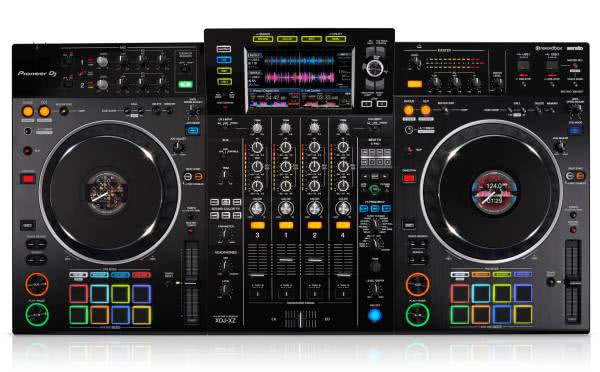
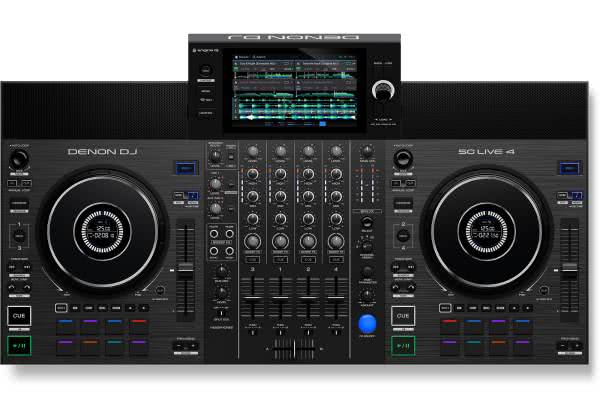
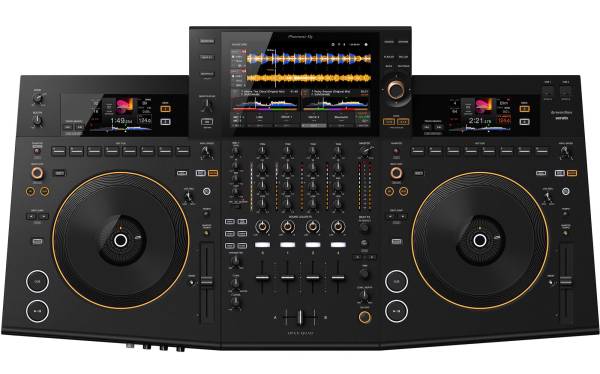
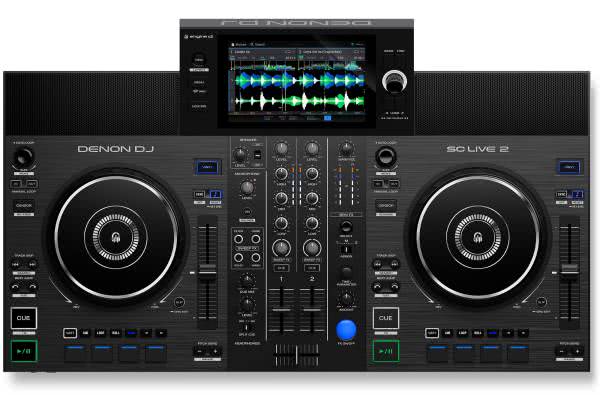
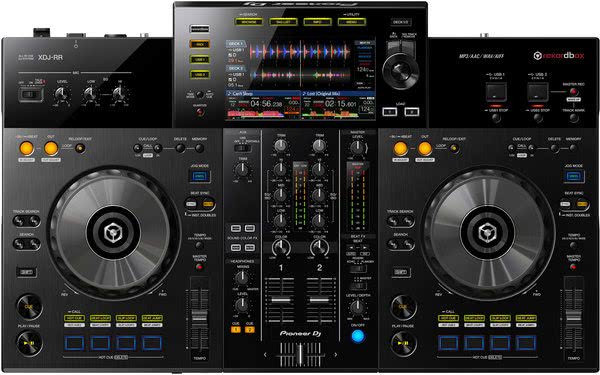
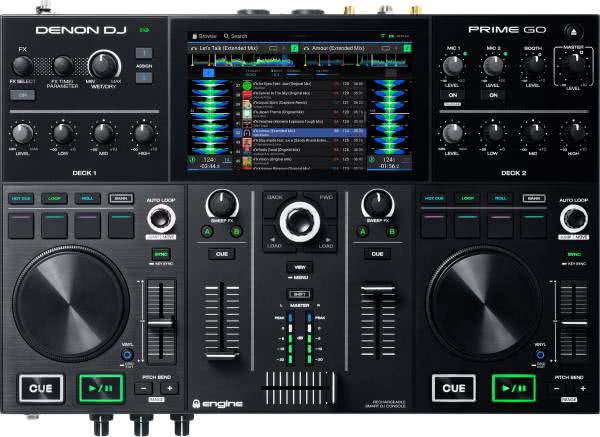
It depends on the DJ controller you're using. Some DJ controllers come with an integrated operating system and software, allowing them to be used without a computer. These are also referred to as standalone controllers. In our online shop, you can filter to see if the controller can operate standalone. However, this feature usually comes at a higher cost, as it requires integrating CPUs, displays, and software.
However, most DJ controllers require you to install DJ software like Serato on a computer and connect the controller to the computer via a USB cable to control the DJ software.
There are also DJ controllers that can be used both without a computer and with a computer. In this case, you can use DJ controllers with integrated DJ software, but you can also install DJ software on a computer and connect the controller to the computer via a USB cable to use additional features or effects (FX).